
.svg)
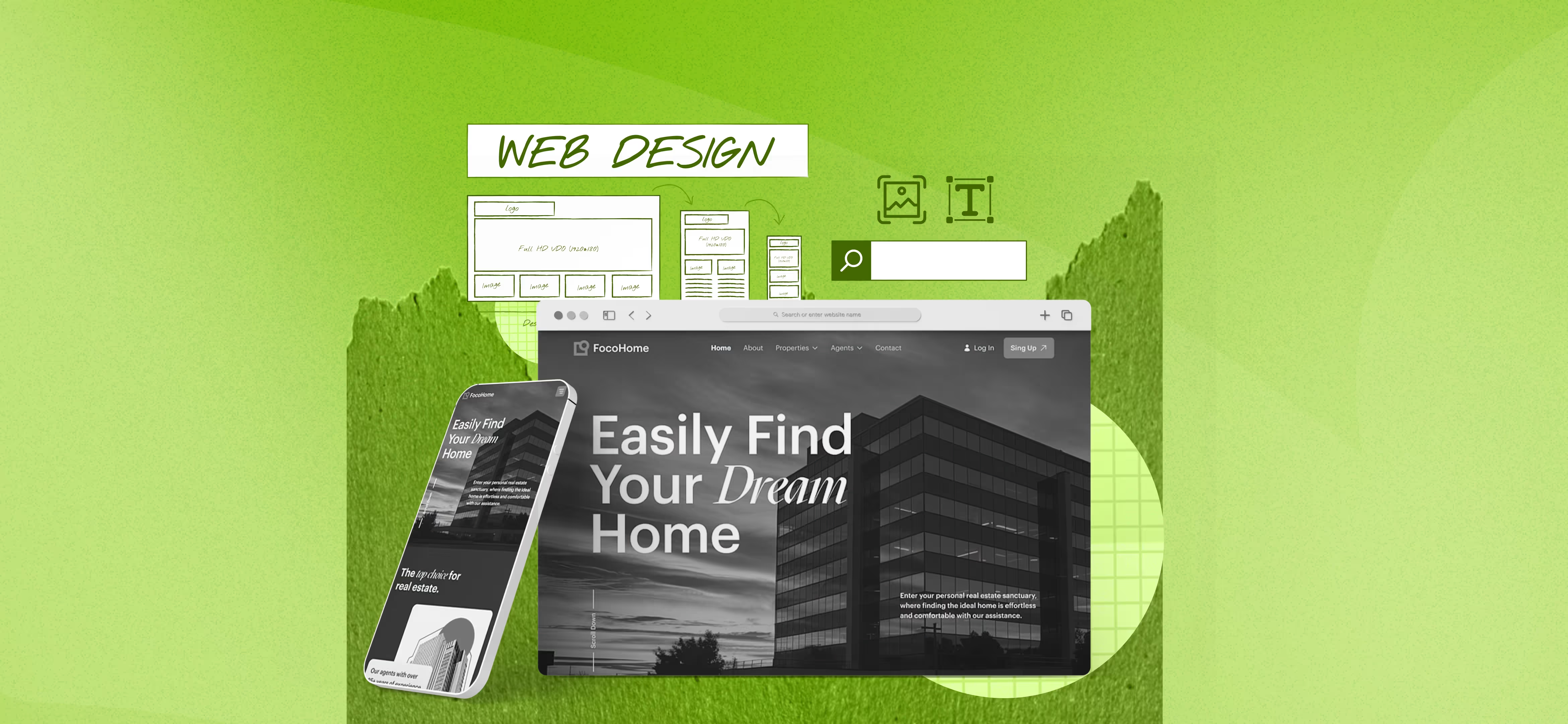


Components Of A Web Page and Their Functions
A webpage is more than just text and images; it is a carefully structured blend of visual elements, functional features, and technical frameworks that work together to deliver an engaging and user-friendly experience. From headers and navigation bars to content sections, sidebars, and footers, each component plays a vital role in usability, aesthetics, and performance. This guide explains webpage elements together with their functionalities which support website development. Whether you're a beginner or a seasoned developer, a clear understanding of these elements is the foundation for creating successful and impactful web experiences.
Outline The Different Components Of A Web Page
From simple text and images to complex animations and data visualizations, each element plays a vital role in shaping the look, feel, and functionality of a website. That’s why selecting the proper components is vital. The basic components of a web page include:
1. Title Tag
The title tag is more than just a label; it's the first and often only impression your web page makes on potential visitors. When users search for information, they encounter a list of results with clickable titles. A concise and appealing title tag appears as the SERP clickable headline that directly affects how often users select search results.
To maximize the impact of your title tags:
- Conciseness is Key: Aim for a length between 50-60 characters. Search engines truncate titles that exceed this limit. It can lead to incomplete and potentially misleading results.
- Keyword Prominence: Include your primary keyword naturally at the beginning of the title. This signals to search engines the main topic of your page and improves its relevance in search results.
- User-Centric Approach: A user-centric approach requires creating titles which represent your page content exactly and match what users expect to find. A compelling and relevant title encourages clicks and improves user satisfaction.
- Uniqueness Matters: Avoid using identical title tags across different pages on your website. Duplicate titles confuse users and search engines.
2. Meta Description
Your web page summary material, known as the meta description, appears in search engine results to provide a brief description of page content. Your search engine ranking remains unaffected by meta descriptions although these descriptions have a substantial influence on user click behavior. Your CTR and organic traffic will increase when you write an optimized meta description.
To create an effective meta description, keep these tips in mind:
- Conciseness: Aim for a length between 150-160 characters. Search engines truncate longer descriptions, potentially missing out on key information.
- Clarity: The page description needs to provide a precise breakdown of its contents. The selected keywords and phrases should connect to what interests your target viewers.
- Call to Action: Users will be more likely to proceed by following the actions "Learn more" "Discover new things" or "Get started" in the description section. Your page achieves higher exploration rates since visitors feel compelled to continue viewing your content through the establishment of urgency.
- Keyword Integration: Natural incorporation of essential keywords should take place within your meta description. When search engines process your page they understand its main subject because of keyword integration which results in better search results visibility.
3. Header
The header is placed directly on top of the website and anyone is likely to notice, regardless of the page they open to. No matter which page viewers access they will recognize the header because it exists as the topmost element of the website. The functionality of this element makes it highly beneficial by allowing users to browse pages seamlessly. It has a logo, and primary navigation, and may also contain a contact link or a social media link.
Your header is a site map that makes certain the visitor is aware of the location and location of other contents on the website. Yet here is the snag — if you wish to place a lot of information into the header, it is vital not to overdo it. Here the targeted goal is useful to achieve the helpful focus and the avoidance of information overload.
4. Menu
If considering the possibility of simple and smooth webpage navigation, we mostly turn our attention to the menu. This component helps to navigate the visitors around your site so that one can within a glance get what you have to offer and how to get it.
There are six general types of menus available with each having different purpose in meeting design requirements and users’ experience. A familiar one is the horizontal menu bar placed at the top portion of your web that gives direct links to the key areas.
5. Sidebar
A sidebar is a handy companion to the main content of your website with additional information or features. It can contain anything from navigation and social media links, author information, and/or calls to action such as share or search and future events. Commonly, it is placed horizontally at the top or bottom of a Web page. Although its location often varies based on the design of the particular site; it is most commonly a vertical bar of options.
If you have a website, you will probably agree with me that the sidebar should be an extension of the kind of website you are creating. For instance, the search bar can be placed at the top of a blog post, recent posts, or tags. On a product page, for instance, it may display other related products or customer feedback. The sidebar of a given website should always give the visitor something of value and something relevant to their interest at any given time.
6. Search
One of the other valuable elements is a search bar that is located in the header or any other clearly visible position. With this element, visitors are easily able to locate something they are searching for. It makes it easy to scroll through the featured content and even informs the user of content that is related to the search keyword or phrase.
If your site is full of loads of media or a large selection of products, a search field can go a long way towards sorting through the chaos. This is convenient, especially for e-commerce platforms or any site with several subdomains/sections which users might get lost in.
7. CTA Button
Following the main headings will be Call to Action (CTA) buttons instructing users to perform activities such as purchasing now learning more or signing up. Its primary purpose is to change passive users into more active ones and at the same time increase the conversion rate for the specific page.
However, it’s not as simple as placing a button anywhere on the page. A good CTA is not ‘in your face’ but noticeable, clear, persuasive, and friendly. Place it somewhere you think your target audience will see it and scan it to see if it fits the page.
Bear in mind that the call to action button is your call to actually convert a random visitor to a customer or a subscriber. Although it is a minor aspect, it has a great impact. This is more of the final touch that completes the entire appearance of the page and prepares the user for the next course of action.
8. Forms
From subscriptions to mailing lists, making a purchase, or simply filling in a Contact Us page, forms remain the most common way for visitors and users to both convey and interact with your site. These are crucial to generate data, to ease transactions or to obtain feedback. It helps to include this element to send information to the system or server where you can collect a group of loyal customers.
It should only request information that is essential hence it should not take long or be very much involved. Now, consider the forms you like completing — Chances are that they had labels, were well-structured, and did not demand personal information from you. The location makes them easy, and obvious with the Use button which can be Submit, Send or Sign Up for example.
9. Typography
Typography and font must be clear and visible regardless of the background. First, choose an eye-catching font. This can be an interesting playground but also a rather slick area of work. Hence, irrespective of whether your website looks artistic and contemporary or playful and creative, choose the most suitable font type for your business. However, do not put many of them due to the difference in their effects within the same period. Use just some related to each other and be consistent with these across the entire website’s layout.
Consider adjusting the text size, color, and kerning to ensure they are easy to read. Also, do not overlook the emotions that your typography creates because different fonts have different feelings to them. A serif may convey a historic feel of the information while a non-serif may be associated with ‘newer’ or ‘contemporary’ technology. We should also not leave out special font styles for the titles and accents; they are like the coloured markers of your text.
10. Content
It is referred to as web copy or body copy in regards to the textual content but there is so much that goes into the website content. Website content is everything on the website that you want to convey to the visitors. All the things that people can get in touch with: texts, images, videos, audio and so on are included in the website. It is the entire combination of materials that have been developed for the purpose of educating, entertaining, or arguing with your audience.
11. Quality Images
Alright, let’s pay attention to the quality images. Images tell much more than words, define the overall mood, inspire emotions, and build communication with the intended audience. An element as crucial as this can present your products, share experiences and narrate the Brand’s story.
Make sure that every image corresponds to your identity as such, because the wrong images only create confusion among the users. Also, when using images ensure that you respect the necessary size of the image and loading speed of your website. No one will care for even a lovely picture if it takes ages to load and so, the balance here is important.
And do not forget that diverse and realistic images might be helpful to make your website seem friendly for everyone. It’s about depicting genuine persons, genuine feelings, and genuine situations. While stock photos are convenient, they should be used wisely not to give that awkward ‘that was posed’ kinda feeling.
12. Internal Linking
A link is your best tool to direct your visitors through your site and maybe even to other sites. They are your means of directing your visitors through your site and maybe even to other sites. Both internal ones that guide the customer to other areas of your site and external ones that provide further information are positive signposts. Of course, the main idea is clear here, and its purpose and application are obvious as well.
That is most likely you clicked on a link, with the expectation that it would go to one destination, only for it to lead to another. For this reason, your links should always be descriptive and those given should afford a brief description of the content. But how about making them noticeable? They have to be clearly seen but this does not mean that they should glitter and dazzle, interring with your articles.
13. Tags
Tags are another useful element on your webpage. It is like having sticky notes, which one writes on documents every time to be a reminder of the type of person they are. On a website, they assist in sorting the available data and this is a good thing given that the visitors will not have a hard time looking for whatever they want. Their role is if you are running a blog for example. Otherwise, tags assist your visitors in immediately moving to other articles that are of interest to them.
They also bring a lot of value to SEO. Search engines respond well to well-structured content and tags are a very clear method of keeping it that way. Also, they provide the users with a sneak preview of what your content is all about. But, and this is important — don’t overdo it. Make them current, precise, and brief.
14. Footer
Going to the bottom of the page, one will navigate to the area of the web page known as the footer. Of course, it might not be the first thing that visitors will notice, but it is an important component to complete a visit to your site.
It may consist of links to other parts of the website, contact details, social network icons, or occasionally some information about the company or a subscription to a newsletter. It is a location where users can search for numerous tools or information that did not fit into the primary navigation within headers or on the webpage.
This is the final imprint you leave with your visitors, so it should be positive and convey the professional approach to the site’s content as complete.
Final Words
And there we have it — a roadmap guiding through the most important components of a webpage from top to bottom. I have outlined how each part, from the header, menu, and forms to the footer, is an identity for a seamless and comprehensive website. But more importantly, how to put them into practice in the right way.
Therefore, when you have started developing your website, the above elements should not escape your attention. Utilize them properly, integrate them effectively and you shall see how your website is no longer dull, boring, lifeless, and engages the people that you intend it for.

Read our latest blogs and resources
Reach Out Anytime Connect with Our Team
.svg)


