What makes your app great is how easy and fun
FocoTik designs mobile apps that ship, retain users, and close investment rounds — iOS, Android, AI-powered products, and bilingual Arabic–English apps for GCC markets. One expert team. One flat subscription.


Top partners that we worked with.


























Users quit an app within 72 hours
The technology rarely fails. The experience does. Onboarding that takes too long. Interfaces that hide the value. Designs that look good in a pitch but frustrate real users. FocoTik's job is to design every one of those moments correctly — before a user gives up on your product.

of downloaded apps are abandoned within 3 days of install, not because the idea was wrong, but because the experience didn't make the value obvious fast enough.
Most apps ask users to create accounts, confirm emails, grant permissions, fill profiles, and sit through tutorials before showing them a single reason to stay. FocoTik designs onboarding with one constraint: get users to their first meaningful moment before they have a reason to leave.
Screens designed for 1x retina screenshots often fail on real phones wrong touch targets, poor contrast outdoors, animations that drain battery, empty states that confuse new users. FocoTik designs for the device in someone's hand, not the frame in a presentation deck.
A Figma file with no annotations forces developers to interpret and interpretation produces inconsistency. Spacing that's slightly wrong. Components that look similar but aren't. FocoTik delivers handoffs where engineering can build immediately without asking a single design question.
of downloaded apps are abandoned within 3 days of install, not because the idea was wrong, but because the experience didn't make the value obvious fast enough.
The complete product, not just the screens
Mobile app design is every state, every edge case, every moment between the happy path plus the documentation that lets engineers build it correctly the first time.

We map every user journey, defining navigation, screen hierarchy, and edge cases to build a solid foundation before visual design.

Low-fidelity wireframes test layout and hierarchy cheaply; changes later in high-fidelity screens take weeks.
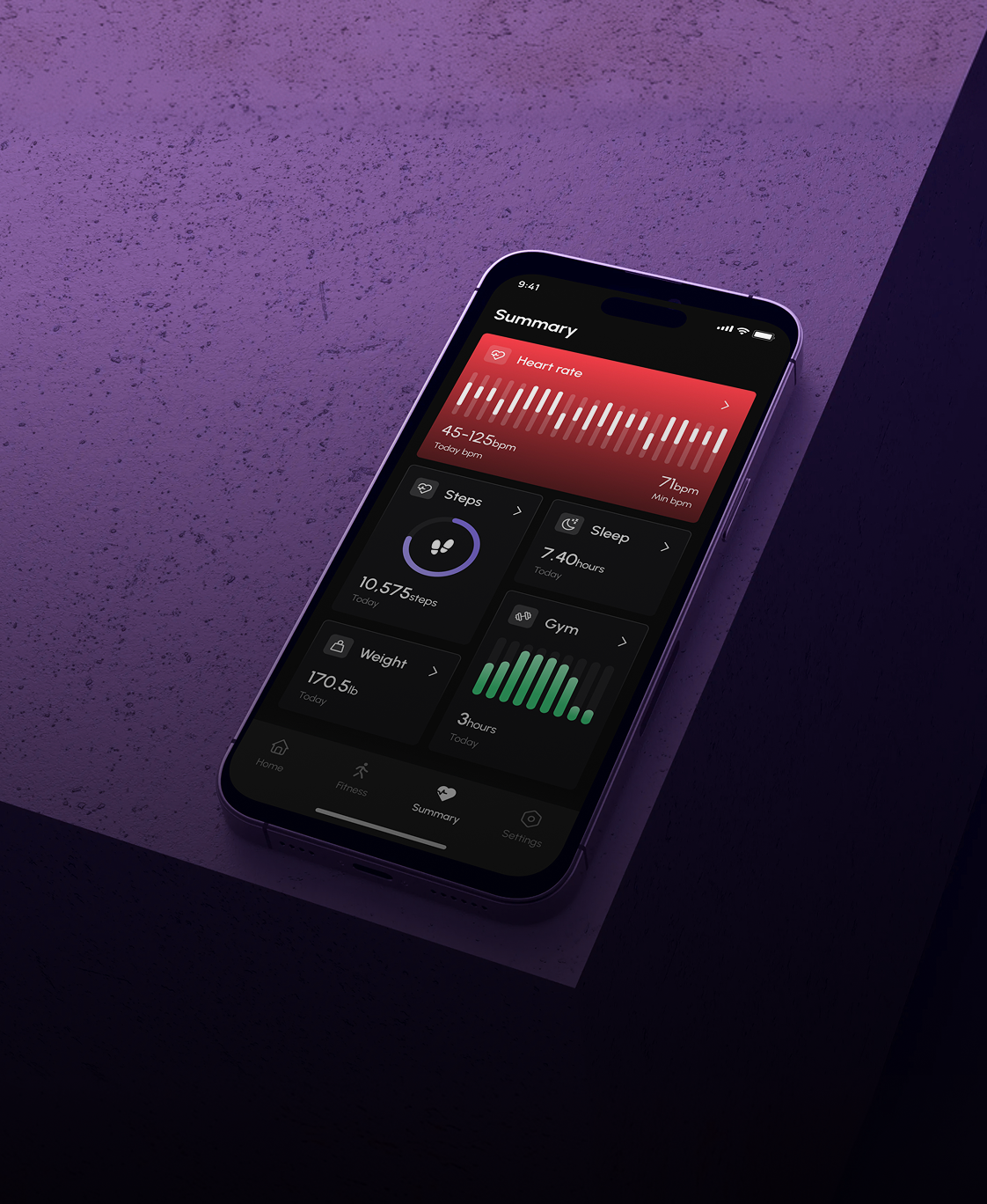
Design all states, default, loading, empty, error, success, disabled, pressed in dark and light modes for developers.

Reusable Figma components & screens help your team to build features quicker while maintaining a consistent style.
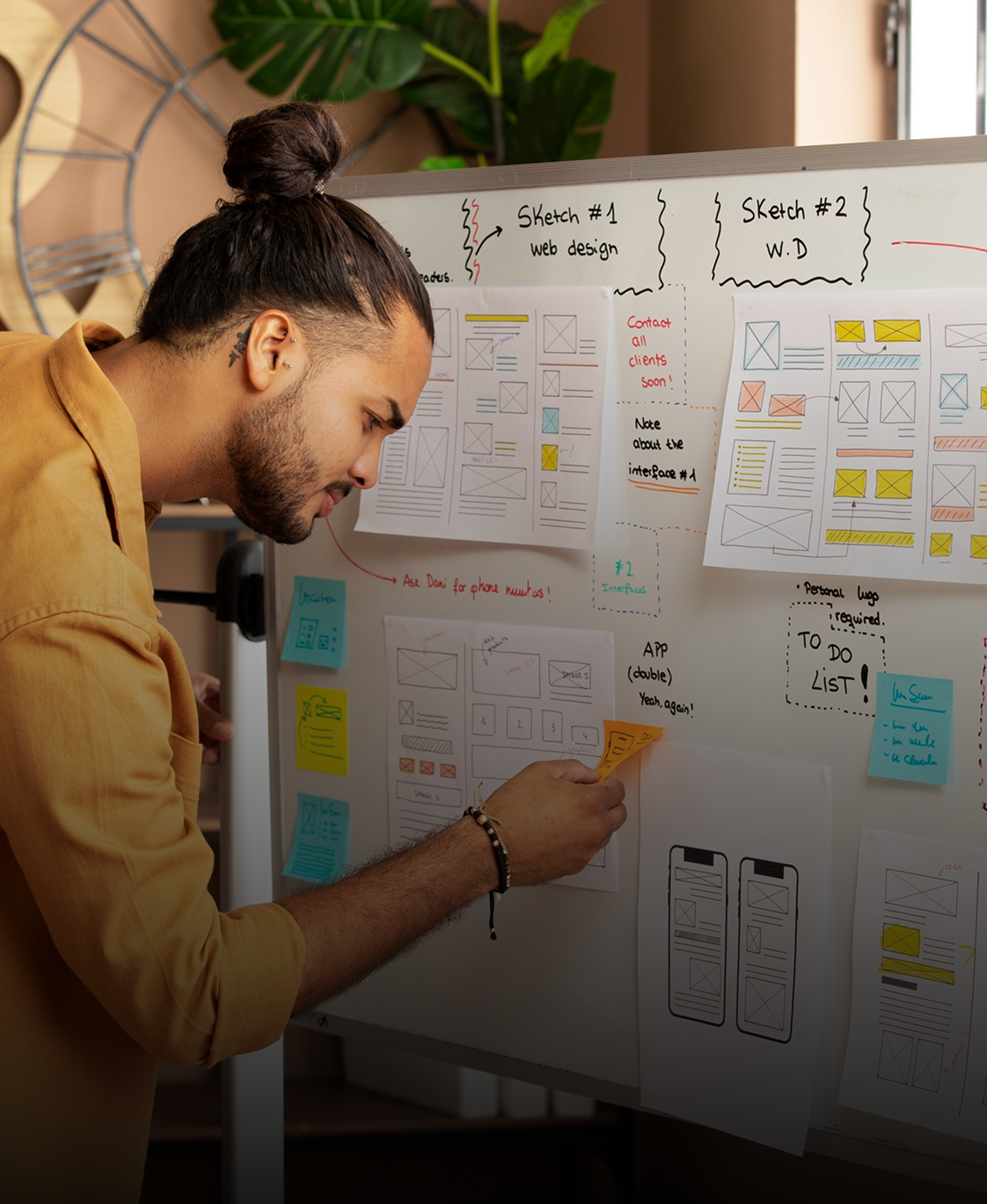
Clickable Figma prototype mimics the real app for testing, presentations, and approvals before coding.

Full RTL layout, Arabic typography, mirrored components, bilingual design for UAE and Saudi Arabia at no extra cost.

Annotated Figma with spacing, docs, asset exports, plus Loom video explaining design choices no guesswork for engineers.
A mobile app design partner you can trust
Lorem ipsum dolor sit amet, consectetur adipiscing elit. Suspendisse varius enim in eros elementum tristique. Duis cursus, mi quis viverra ornare, eros dolor interdum nulla, ut commodo diam libero vitae erat. Aenean faucibus nibh et justo cursus id rutrum lorem imperdiet. Nunc ut sem vitae risus tristique posuere.
35
%
98
%
30
%
+
Apps in users hands. Not concepts in a portfolio.
These are products people are using today with real retention, real funding rounds, and real founders who staked their companies on the design.
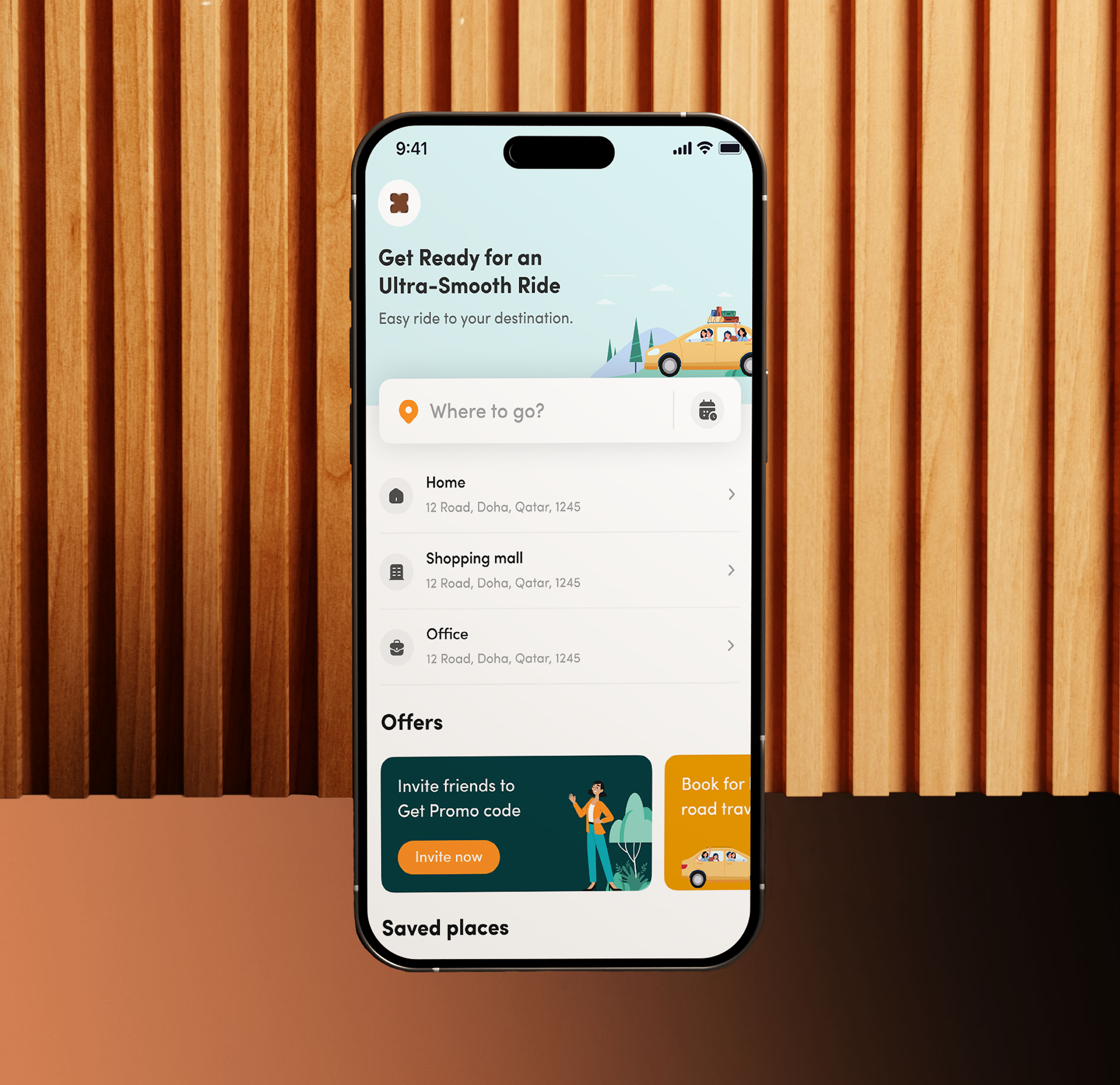




Five phases, every phase ends with something you can review
No black box. Every phase has a concrete deliverable you can inspect, test, and approve before the next begins. Built over 300+ mobile products refined until great work happens consistently, not occasionally.
We interview your target user, audit your competitors, and map the exact moments where your app is most likely to win or lose users. The output is not a report it is a shared understanding that shapes every design decision that follows.
Every screen, every decision point, every edge case mapped before design starts. Navigation model, screen hierarchy, and onboarding sequence defined upfront. This structural work determines whether the app feels intuitive or requires a tutorial, and it cannot be fixed later.
Low-fidelity wireframes validate layout logic and content hierarchy. The question at this stage is not "does it look good?" It is "does this structure serve the user's mental model?" We agree on this before making it beautiful.
Pixel-perfect screens with complete brand identity. Every state, every platform specification. Design system component library built alongside the screens, not after. Dark and light mode. Arabic RTL version designed simultaneously for GCC products.
Clickable Figma prototype for user testing and investor presentations. Complete developer handoff with spacing specs, annotations, and asset exports. Loom video walkthrough explaining the reasoning behind every design decision so engineering builds exactly what was intended.
Six types of mobile apps, one team that masters all of them.
Different apps need different design thinking. FinTech needs trust architecture. Healthcare needs empathy and accessibility. AI apps need a discipline mostagencies don't have yet.
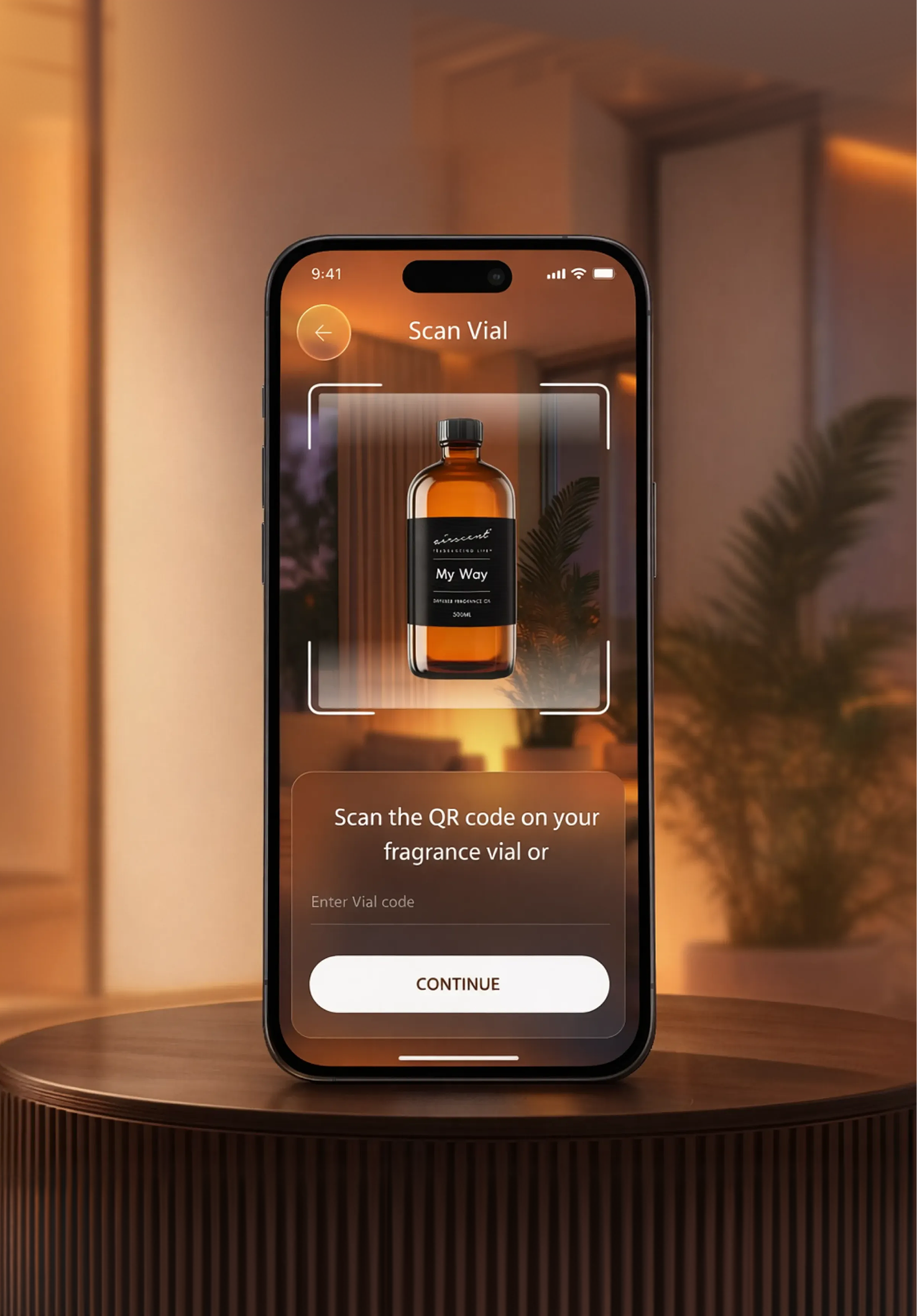
Crafting intuitive SaaS experiences, we adhere to Apple's HIG, ensuring fluid navigation, clear data presentation, and secure user interactions. Our designs prioritize ease of use and efficient task completion.

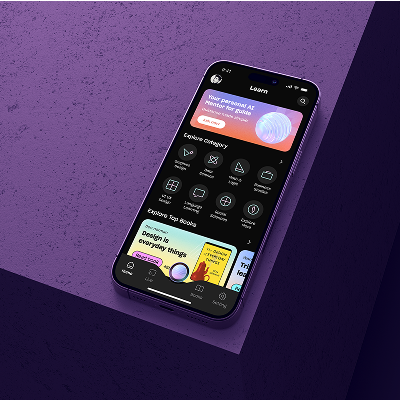
We create engaging EdTech experiences on Android, leveraging Material Design 3 to build user-friendly interfaces. Our designs focus on clear learning paths, easy content access, and collaborative tools.

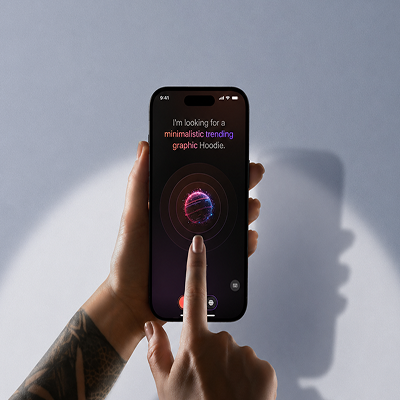
AI apps require an entirely different design discipline — conversational interfaces, AI confidence indicators that are honest about uncertainty, prompt UX, human-in-the-loop flows, AI onboarding, and error states that don't break user trust when the model is wrong.

Patient booking, telemedicine, clinical tools, mental health products. Healthcare UX operates under different pressure — users are often stressed or making high-stakes decisions. Accessibility and empathy are primary constraints, not secondary considerations.

KYC onboarding that complies without frustrating, wallet UI that builds confidence, payment flows that remove hesitation at the point of transaction. Bilingual Arabic–English FinTech design for UAE and Saudi Arabia with GCC-specific compliance patterns.
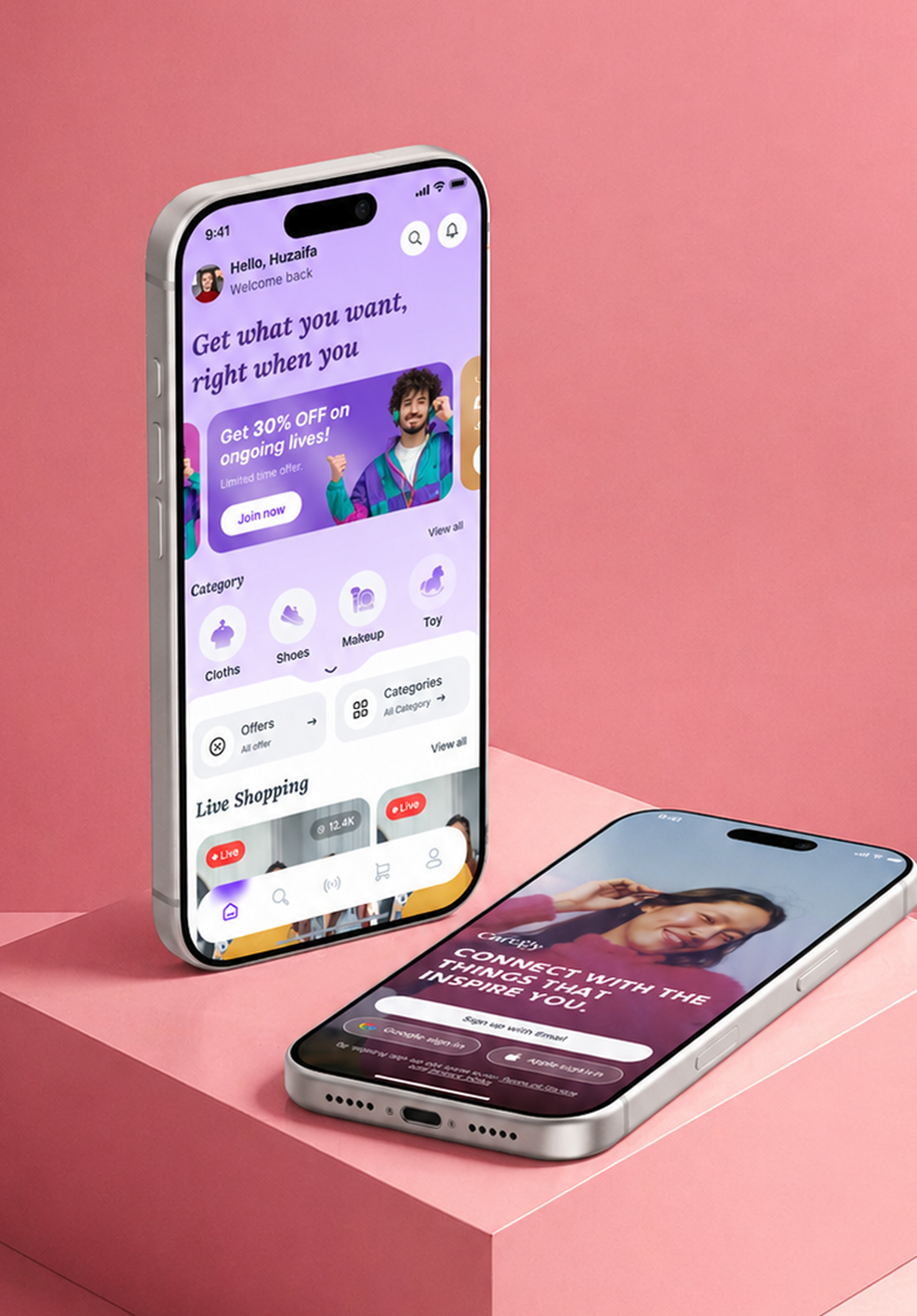
Product discovery that surfaces the right item at the right moment, checkout flows that remove friction at the point of decision, loyalty and personalisation interfaces. Arabic-first storefronts for GCC e-commerce — designed for conversion, not just aesthetics.
In your tools, on your timeline, every sprint
FocoTik doesn't ask you to adapt to an agency workflow. Your designer lives in your Figma organisation, joins your Slack, and syncs to your sprint cycle so design never blocks engineering.

Every file created inside your organisation. You own every frame, component, and variable from day one. Nothing is locked to FocoTik's account.

Daily Figma updates, async Slack communication, and weekly sprint check-ins. Screens delivered before your stand-up, not after the sprint ends.

Revisions are included. No change order, no invoice, no awkward negotiation. The subscription covers the work, including the changes that come from good feedback.

After month 3, you can pause your subscription at any time. Unused hours never expire and roll forward, the subscription works around your fundraising and development cycles.

This works best if you're…
FocoTik doesn't ask you to adapt to an agency workflow. Your designer lives in your Figma organisation, joins your Slack, and syncs to your sprint cycle so design never blocks engineering.
FocoTik’s MVP sprint delivers a clickable investor-ready prototype in just 14 days.
FocoTik works inside your sprint, delivering screens before the sprint ends, not after.
FocoTik designs true bilingual products for GCC markets not mirrored English experiences.
FocoTik designs the trust layer that makes users rely on your AI, not ignore it.
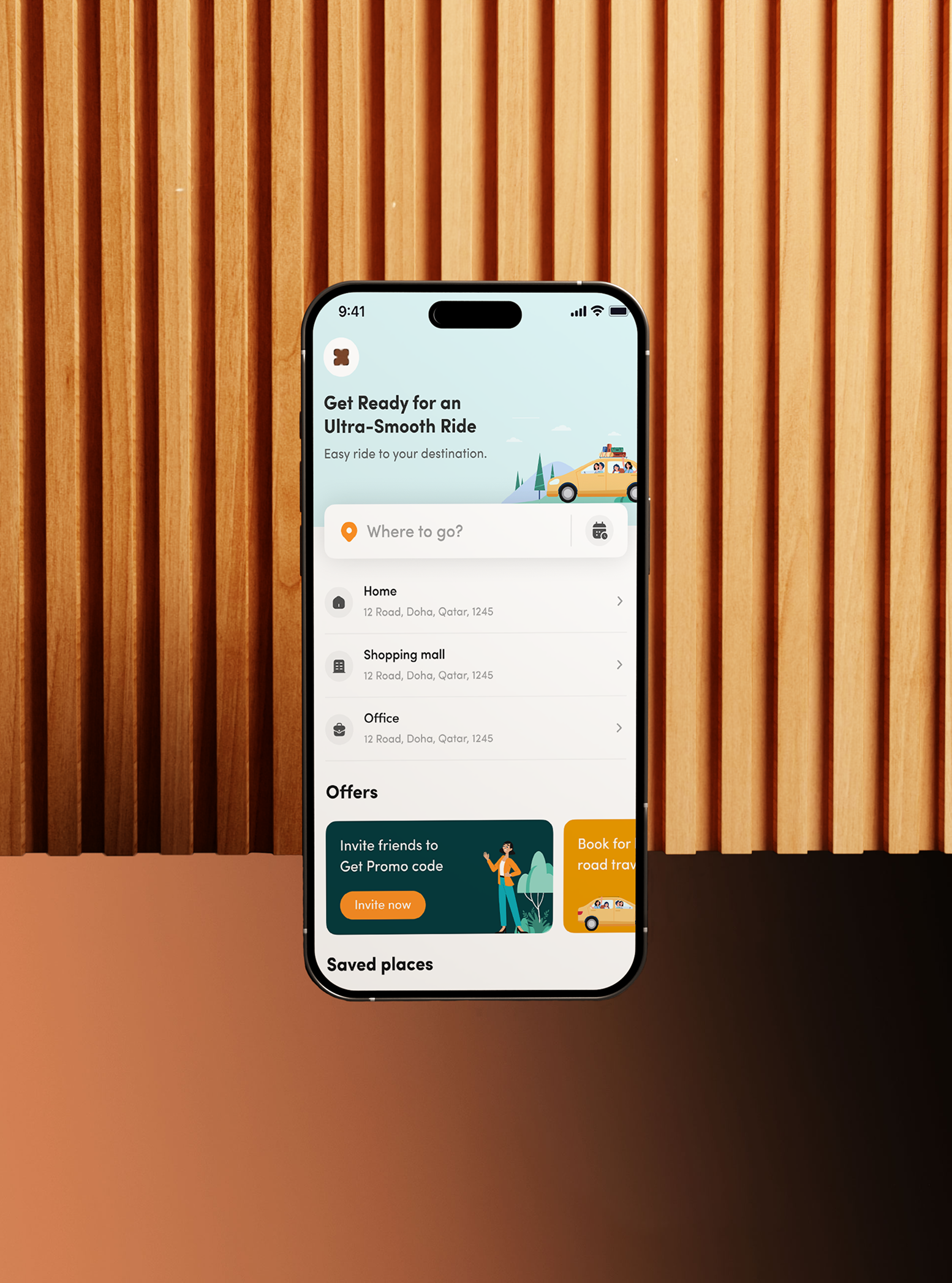
Performance that matters
FocoTik partners with startups and global brands to deliver scalable digital products through senior-led UI/UX systems, fast execution, and embedded product collaboration across SaaS, AI, FinTech, healthcare, and enterprise platforms.
36
+

250
+

$
647
M
+

4
.
9
6 Reasons to work with us?
Dubai is no longer just a financial capital it's the GCC's fastest- growing product ecosystem. DIFC FinTech Hive, in5, and the D33 Economic Agenda are generating hundreds of new ventures every year. In a city where first impressions are everything, the product that looks and feels the best wins users before a word is read.

We specialize in B2B startups, SaaS, and enterprise solutions tailored to your industry.

We focus on user behavior to help you convert more visitors with intuitive journeys and effective UX.

A full in-house team of strategists, designers, and developers takes your website from idea to launch.

We follow a transparent, battle-tested process with clear milestones, updates, and full visibility at every stage.

We tailor every detail to your goals, boosting growth, engagement, and conversions to drive results.

Our support doesn’t stop at launch. We optimize continuously, adapt to feedback, and help your website grow.
Beyond the brief: our clients speak




Mobile app questions
Lorem ipsum dolor sit amet, consectetur adipiscing elit. Suspendisse varius enim in eros elementum tristique. Duis cursus, mi quis viverra ornare, eros dolor interdum nulla, ut commodo diam libero vitae erat. Aenean faucibus nibh et justo cursus id rutrum lorem imperdiet. Nunc ut sem vitae risus tristique posuere.
What does FocoTik mobile app design include?

Does FocoTik design AI-powered apps?
Does FocoTik design AI-powered apps?
Does FocoTik design for iOS and Android?
Does FocoTik design Arabic RTL apps for GCC markets?
How much does mobile app design cost with FocoTik?
Can FocoTik redesign an existing mobile app?
What files will I receive from FocoTik?